How to use these SVGs with a Cricut
Step 1: Download the SVG file from any stencil page (click Download Free).
Step 2: Open Cricut Design Space. Click Upload → Upload Image → select the SVG file.
Step 3: Set the image type to Cut Image. The design will appear in your canvas.
Step 4: Resize as needed, then click Make It and follow the cutting instructions.
Best materials to cut stencils on with a Cricut
Adhesive vinyl — makes long-lasting wall decals and stencils. Use Oracal 651 for outdoor or Oracal 631 (removable) for walls. Stencil vinyl — specifically designed for paint stencilling, repositionable. Card — cut on 200–300gsm card for a rigid, reusable stencil. Heat transfer vinyl (HTV) — use designs as iron-on transfers for fabric projects. For stencils you plan to reuse many times, mylar sheets are the most durable option.
Which stencils work best with a Cricut?
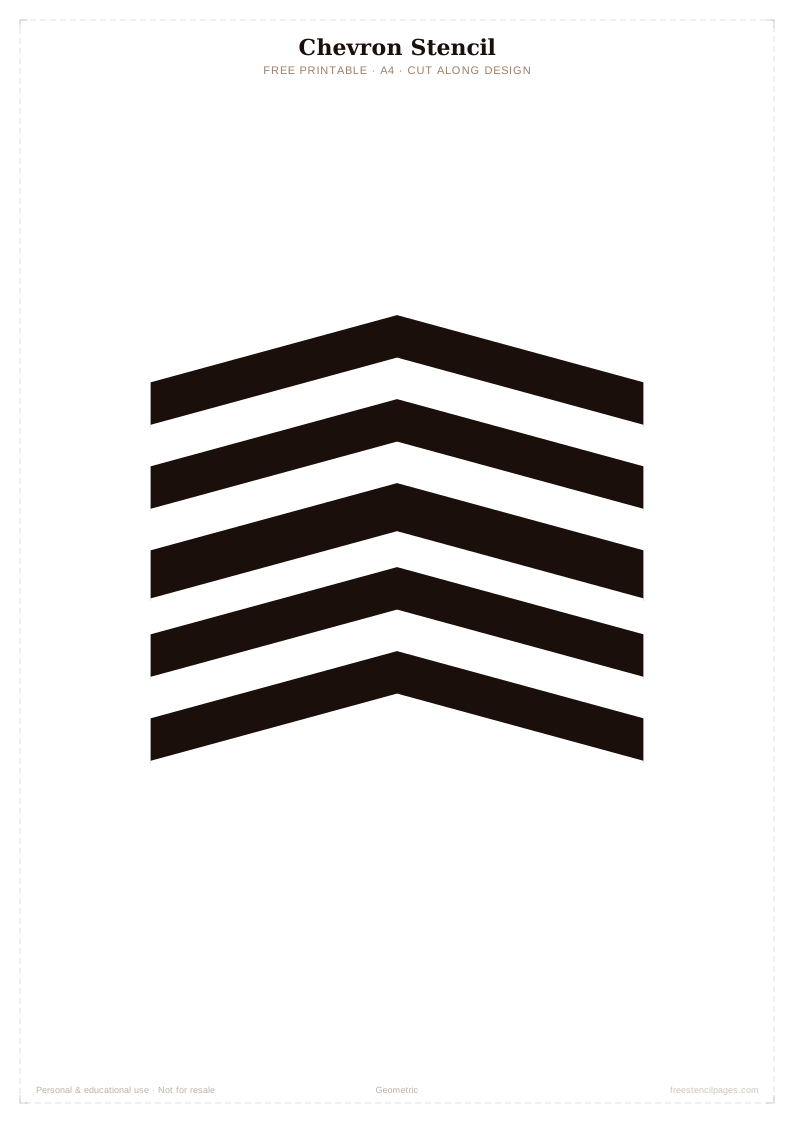
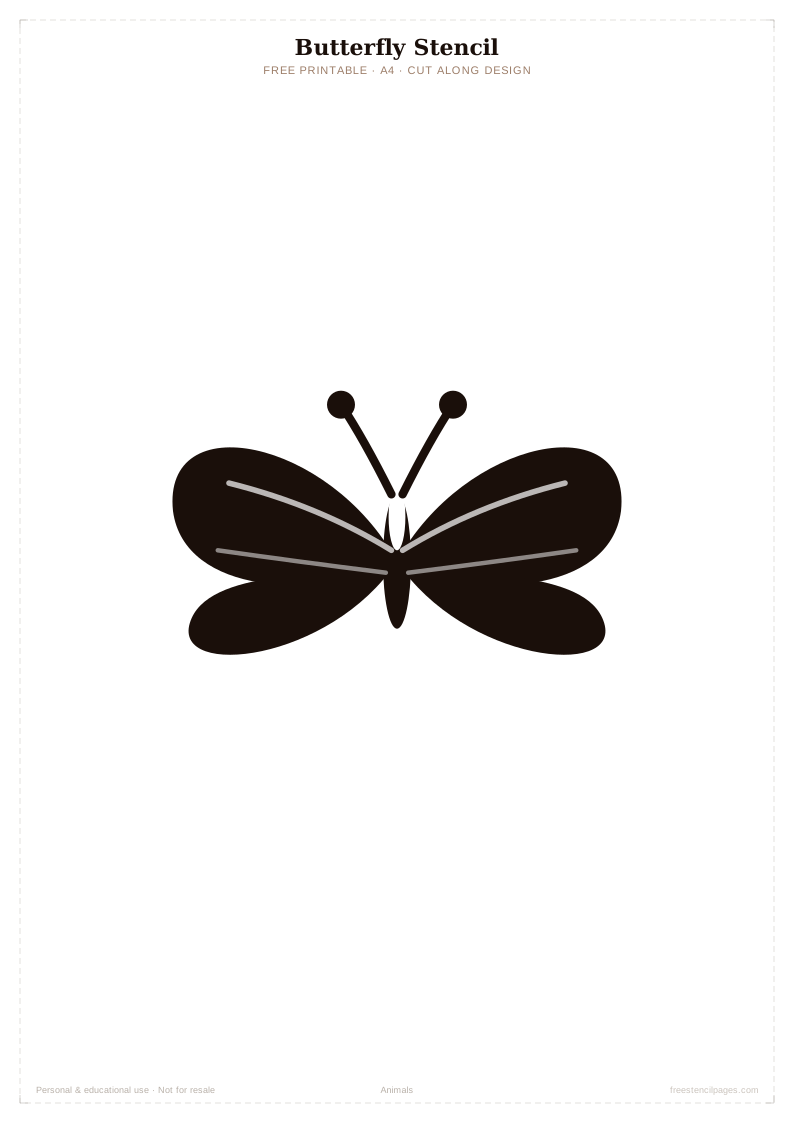
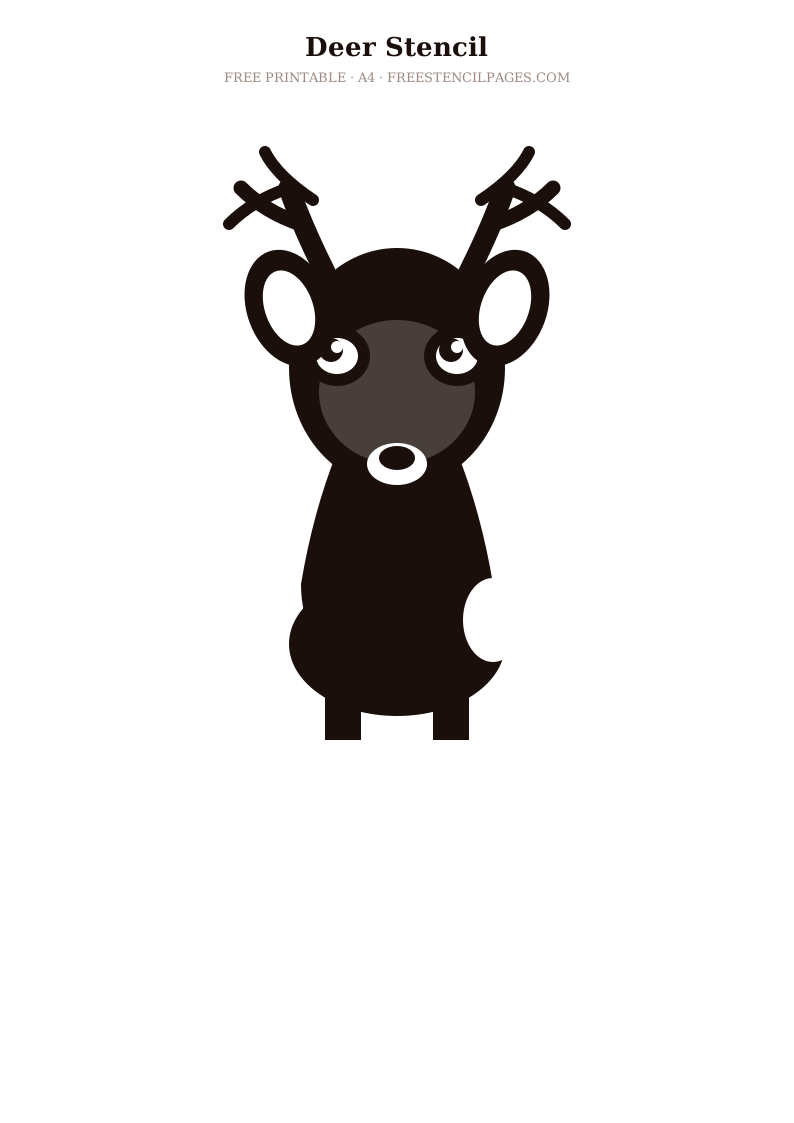
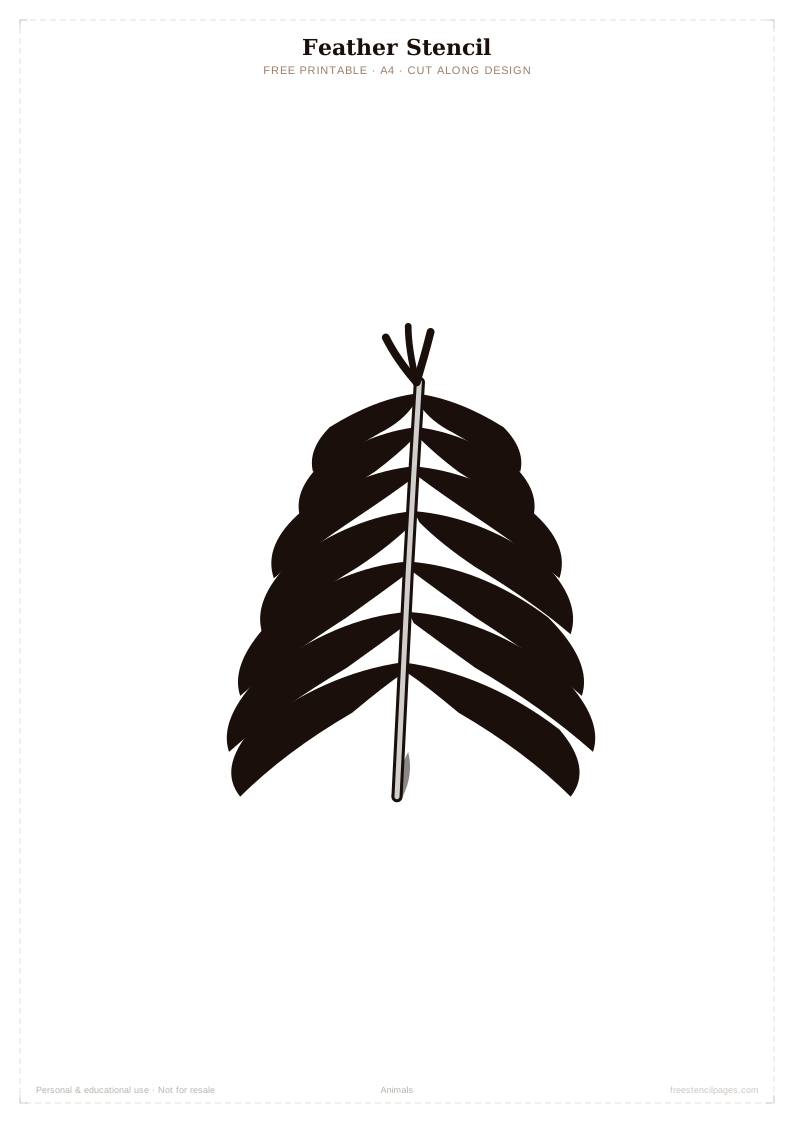
The geometric designs (chevron, hexagon, Moroccan tile) cut cleanly and look stunning as wall stencils. Letter stencils are perfect for personalised signs and nursery walls. Simple animal silhouettes like the butterfly, deer and owl cut beautifully from vinyl. For complex designs like the Celtic knot, use the Cricut Maker (stronger blade) for cleanest results. The Cricut Maker is worth the extra cost for this reason.
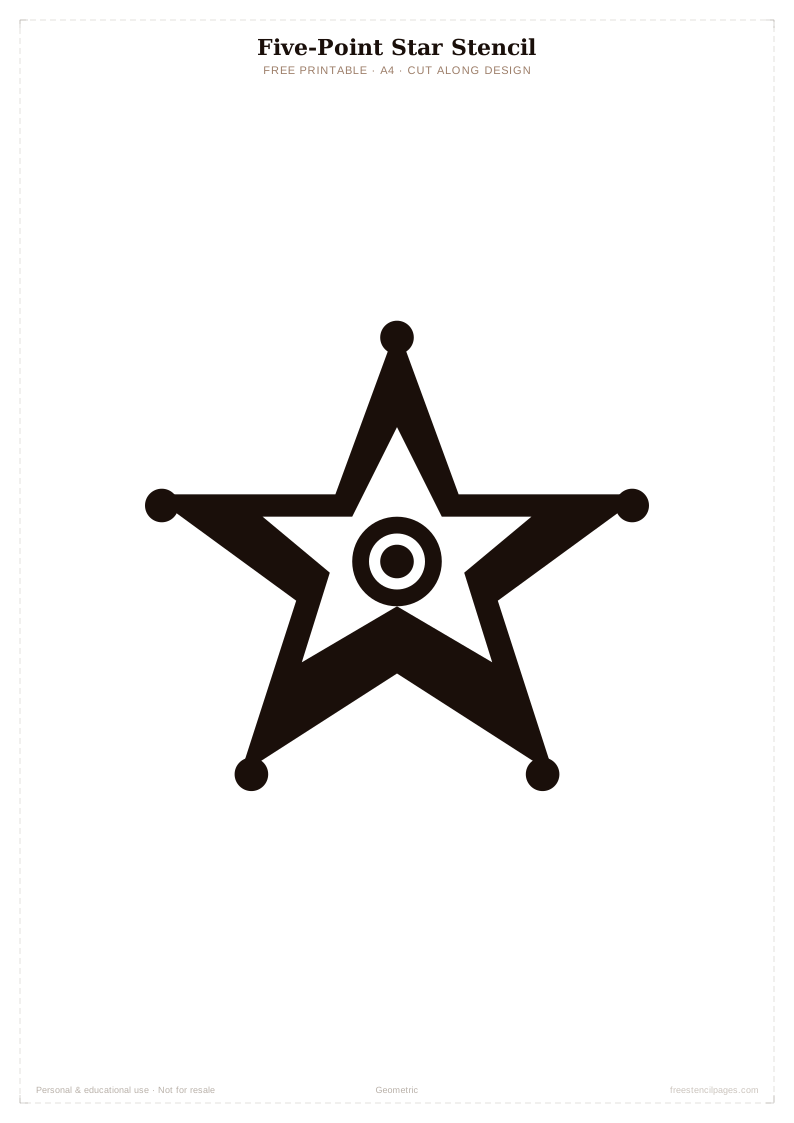
Top stencils for Cricut
Frequently asked questions
Are these SVG files compatible with Cricut Design Space?
Yes — all our stencil files are standard SVG format which imports directly into Cricut Design Space. Upload the file, set it as a cut image, and you're ready to cut.
Do these SVGs work with a Silhouette Cameo?
Yes — SVG files are also compatible with Silhouette Studio. Import via File → Import → Import & Cut Library.
What Cricut blade should I use for stencil vinyl?
Use the Fine Point blade for stencil vinyl and standard card. For thick acetate or chipboard, use the Deep Cut blade or the Knife Blade on the Cricut Maker.
Can I use these designs for commercial Cricut projects?
Personal use is always free. Commercial use (selling items made with these designs) requires a licence — see our licence page for details.
How do I resize a stencil SVG in Cricut Design Space?
After uploading, click the design in your canvas and drag the corner handles to resize. Or enter exact dimensions in the width/height boxes at the top of the screen.